
Alternative to Stackable
The Stackable alternative with forms, popups and a shop designer
Both are block plugins. Page Builder Sandwich has 112 blocks, a popup builder, a form builder and a WooCommerce designer, and adds less to every page.
Already had a free trial? Buy now
Why switch
Why people choose Page Builder Sandwich over Stackable
More blocks
112 blocks, 44 of them free. Stackable’s home page: “Build with over 40 versatile blocks”
A lighter page
On the same test page, Page Builder Sandwich added +0.5 kB; Stackable added +15.8 kB (median of 5 runs, 2026-10-04).
Popups and forms built in
Page Builder Sandwich Pro has a popup builder and a multi-step form builder. Stackable lists a video popup block.
A WooCommerce designer
Design product pages, the shop, cart and checkout with blocks, in every Pro plan.
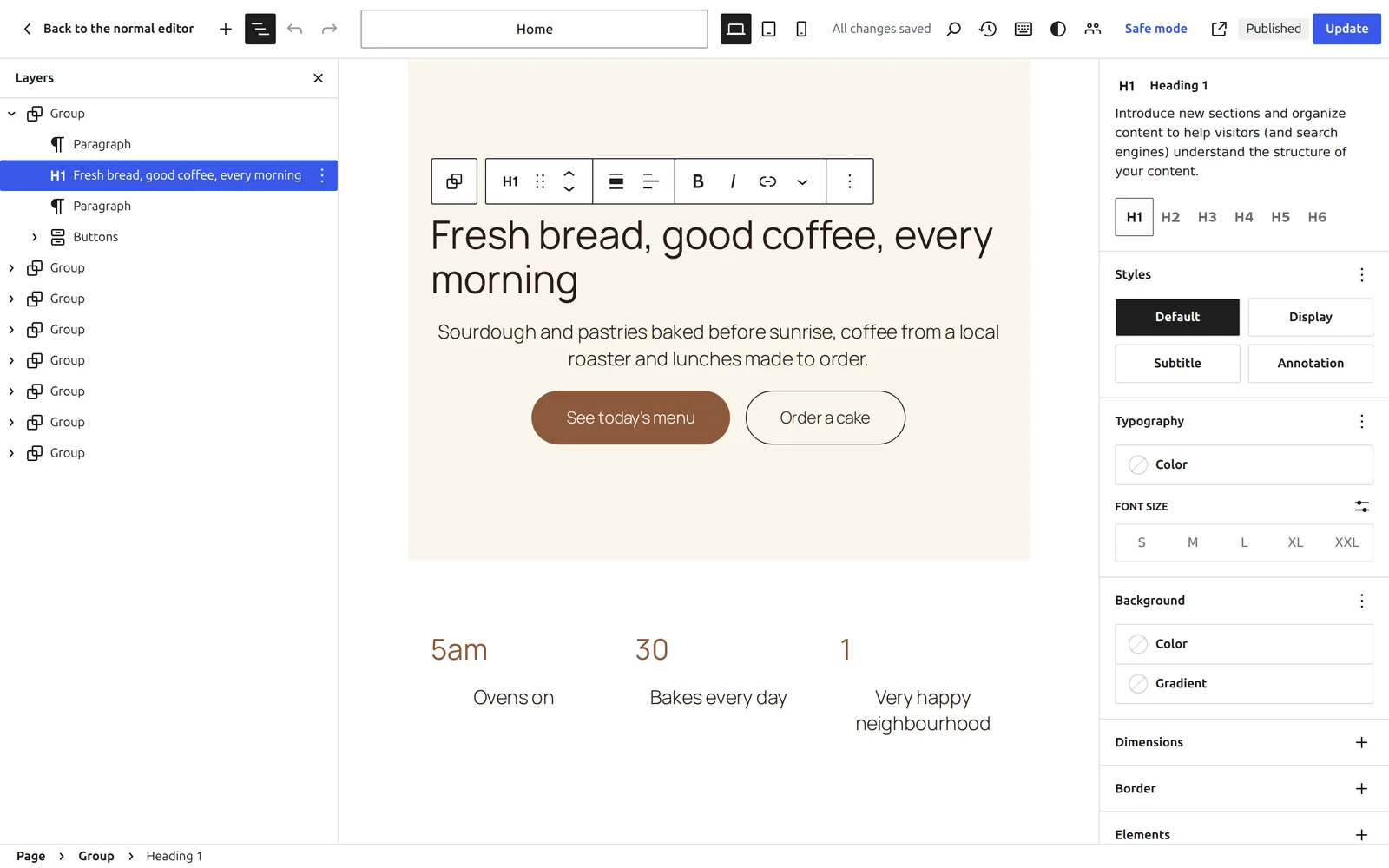
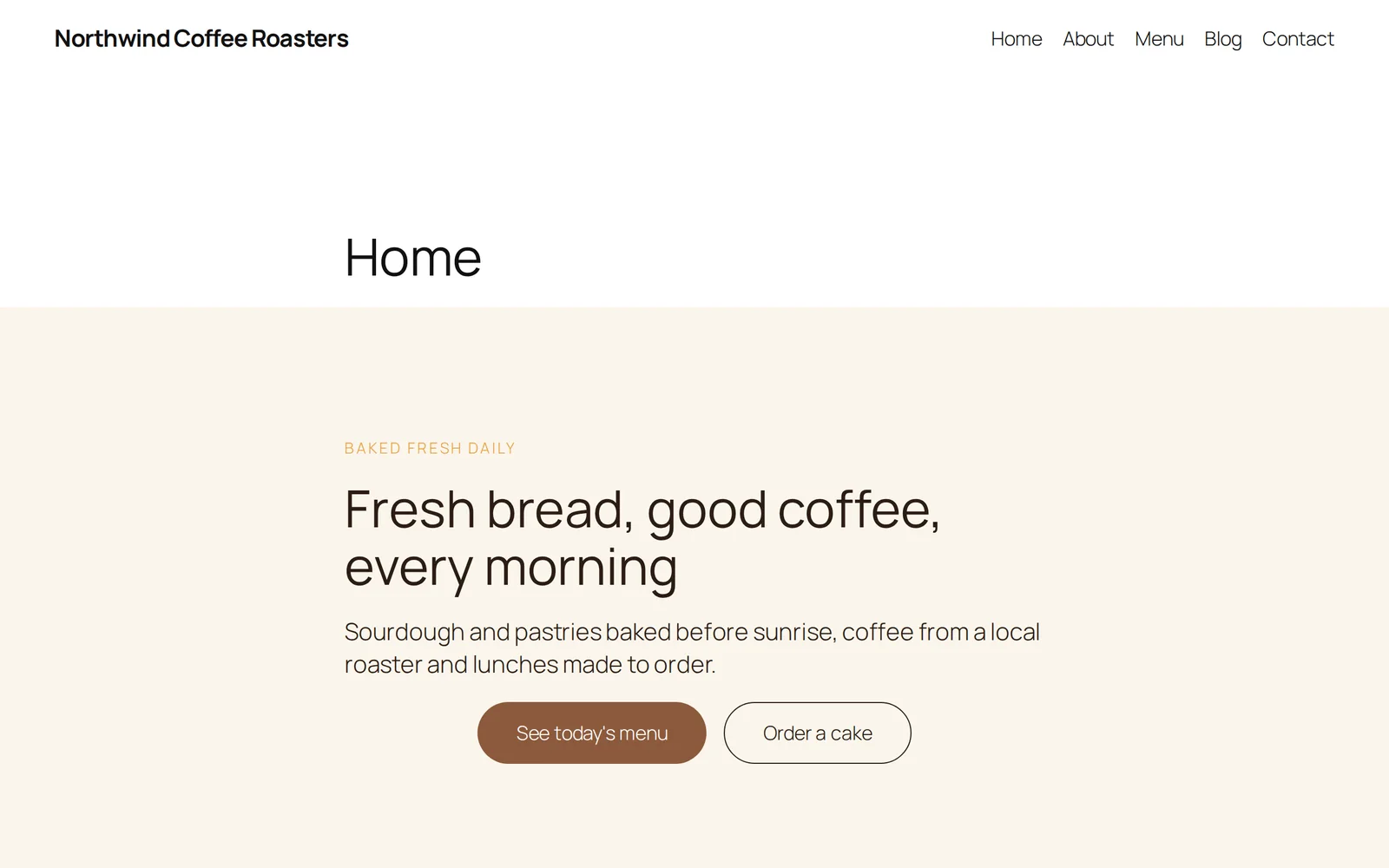
Page Builder Sandwich vs Stackable
| Page Builder Sandwich(recommended) | Stackable | |
|---|---|---|
| Blocks or elements | 112 (44 free) | Over 40 |
| Saves pages as ordinary WordPress blocks | Included | Included |
| Builds inside the WordPress block editor | Included | Included |
| Page weight added (measured) | +0.5 kB | +15.8 kB |
| Mobile Lighthouse performance (measured) | 100 | 100 |
| Popup builder and form builder | Every Pro plan, from $79 a year | Video popup block |
| WooCommerce shop, cart and checkout designer | Every Pro plan, from $79 a year | As a data source in Premium |
| AI assistants (Claude, Cursor) can build pages over MCP | Yes, in the free plugin | — |
| Casino, betting and affiliate blocks | 8 blocks (Pro) | — |
A tick means yes. A dash means we could not find it on the competitor’s own pages on 2026-10-04. Every competitor fact comes from the competitor’s own website or its WordPress.org page, read on 2026-10-04; the measured rows come from our own runs, with the method and every figure in the linked file. If something has changed, tell us and we will correct it.
For everyone
Faster pages that everyone can use
Your site loads faster
Each page loads only the styles of the blocks on it, from your own site, and no fonts or scripts from other companies. Faster pages keep visitors and help search rankings.
Everyone can use it
Menus, tabs, sliders and dialogs work with the keyboard and screen readers, charts and tables read as words, and moving blocks stay still for visitors who ask for less motion. The checker flags problems as you build.
Switching from Stackable
Both plugins save ordinary WordPress blocks, so you can install Page Builder Sandwich next to Stackable, build new pages with it, and move at your own pace. Nothing you built before stops working.
Questions about switching from Stackable
Is Page Builder Sandwich a good alternative to Stackable?
If you want pages saved as ordinary WordPress blocks, a lighter page for your visitors and a free plugin to start with, yes. The table above shows each difference, with its source.
Is Page Builder Sandwich free?
Yes. The free plugin has 44 blocks, Sandwich Studio and 20 website kits, with no time limit. Page Builder Sandwich Pro starts at $79 a year with a 14-day free trial and no card needed.
Can I use it alongside Stackable?
Yes. Both save ordinary blocks, so they work side by side while you move.
What happens to my pages if I stop using it?
They stay. Pages are ordinary WordPress blocks, so WordPress can still show them without the plugin.
Try Page Builder Sandwich before you decide
Open the real editor with Pro on your own copy of a demo page. No sign-up, nothing to install, gone within the hour.
Start your 14-day free trial of Page Builder Sandwich Pro
No card needed. Or start with the free plugin: 44 blocks, no time limit.
Already had a free trial? Buy now