
Building pages
Build in the block editor, or in a full-screen studio
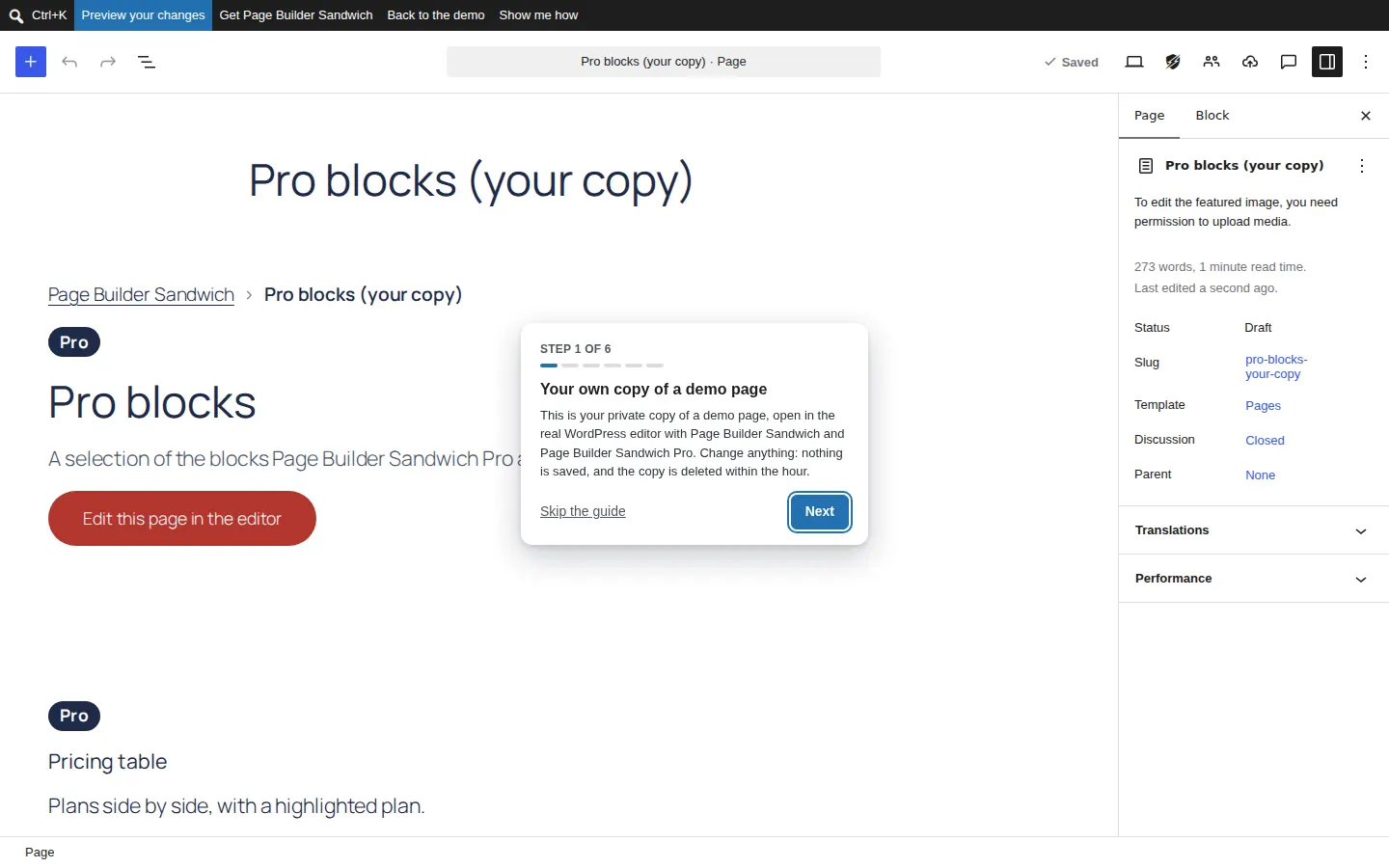
Page Builder Sandwich works inside WordPress’s own block editor, and adds Sandwich Studio: a full-screen visual editor with layers, undo history and a command palette. Both save the same ordinary blocks.
What it means for you
Build the way you like
Nothing new to learn
It is the WordPress editor you already know, with more blocks and settings.
A studio when you want one
Layers, undo history, keyboard shortcuts and a command palette for bigger layouts.
Your whole site, not just pages
Design headers, footers, posts and archives with display conditions, and fill blocks from your own data.
Watch it
A short recording of the real plugin. There is no sound: the captions are in your language.
Every feature here
Free
Free blocks for every page
Layout, content (accordion, tabs, steps, modal, tooltip), marketing (call to action, testimonial), media (map, booking calendar, QR code) and site blocks (table of contents, related posts, sitemap).
Pro
Pro blocks for real sites
Sliders, pricing tables, galleries, countdowns, counters, timelines, store locators, mega menus, comparison and review blocks, and many more.
Free
Sandwich Studio
A full-screen visual editor with a layers panel, undo history, a command palette and keyboard shortcuts.
Pro
Theme builder with display conditions
Design your header, footer, posts, archives, search and 404 pages on any theme, and show any template or block by page, user, device, time, URL, language or cart.
Pro
Dynamic content and query loops
Fill blocks from posts, authors and custom fields (ACF, Meta Box, Pods, JetEngine, Toolset), and list any content with a query loop and live filters.
Pro
Import from Elementor, Divi, Beaver Builder and WPBakery
Convert pages built with another page builder into blocks, keeping the layout, fonts, colours and images, with a report of anything that needs a manual touch. The original page is never changed.
Pro
Import from Figma
Paste a Figma frame link and get an editable page: auto layout becomes rows, columns and grids, text keeps its styles, and images go into your media library. Uses your own Figma account.
Free
Old pages converted for you
Pages made with earlier versions are converted to blocks in the background, with a backup and undo per page.
Questions about building pages
Do I have to use Sandwich Studio?
No. Everything works in the normal block editor; Studio is there when you want a full-screen view.
Can I design my header and footer?
Yes, with Page Builder Sandwich Pro’s theme builder, on any theme, and show different ones by page, user, device or language.
Try Page Builder Sandwich
Start free with 44 blocks, or open the real editor with Pro on a private demo page. No sign-up.