
Pro kit · Finance & trading
Forex Broker Reviews website template for WordPress
A forex and CFD broker comparison site: regulation checks, spreads, scored reviews, trading guides and the required risk warnings.
Live preview
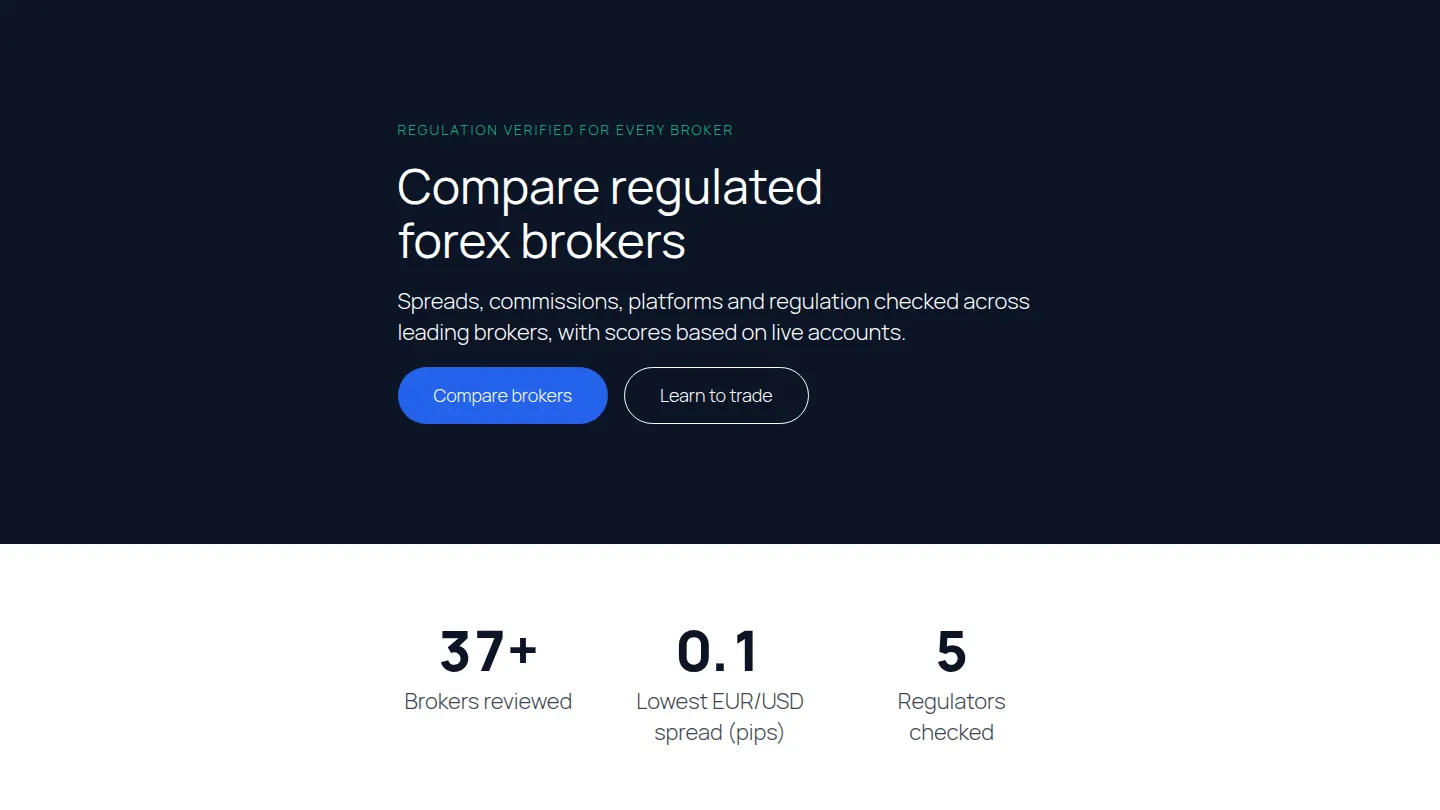
The first sections of the Forex Broker Reviews home page
Built from the kit itself, in its own colours. After you import it, every word, colour and picture is yours to change.
Regulation verified for every broker
Compare regulated forex brokers
Spreads, commissions, platforms and regulation checked across leading brokers, with scores based on live accounts.
60+
Brokers reviewed
0.1
Lowest EUR/USD spread (pips)
9
Regulators checked
Top brokers at a glance
Typical spreads from our live-account tests.
| Meridian FX(recommended) | Harbor Markets | Atlas Trade | |
|---|---|---|---|
| Our score | 9.3 | 8.9 | 8.5 |
| EUR/USD spread | 0.1 pips | 0.6 pips | 0.9 pips |
| Tier-1 regulation | Included | Included | Included |
| Demo account | Included | Included | Not included |
5 pages, ready to edit
- Home
- Broker reviews
- About
- Learn to trade
- Contact
Also as patterns
Add these sections to any page on their own: Comparison table, Review score.
Its look
Designed with IBM Plex Sans headings and IBM Plex Sans text. Its colours are built into each section, so it looks the same on any theme; the text uses your theme’s fonts until you pick others in Site design, where fonts are served from your own site.
Built with
Accordion, Feature list, Call to action, Comparison table, Counter, Pros and cons, Review score
Questions about the Forex Broker Reviews kit
Is the Forex Broker Reviews kit free?
The Forex Broker Reviews kit comes with Page Builder Sandwich Pro, from $79 a year. Every Pro plan starts with a 14-day free trial, and no card is needed.
How do I import it?
In wp-admin, open Page Builder Sandwich → Templates and kits, choose Forex Broker Reviews and press Import. You choose which pages to create, whether to publish them and whether to add them to your menu.
Will it change my existing pages?
No. Importing creates new pages; your existing pages, posts and menus stay as they are unless you choose to add the new pages to a menu.