
Free kit · Professional services
Law Firm website template for WordPress
A professional law firm site: practice areas, the team’s approach, client reviews and a consultation request.
Live preview
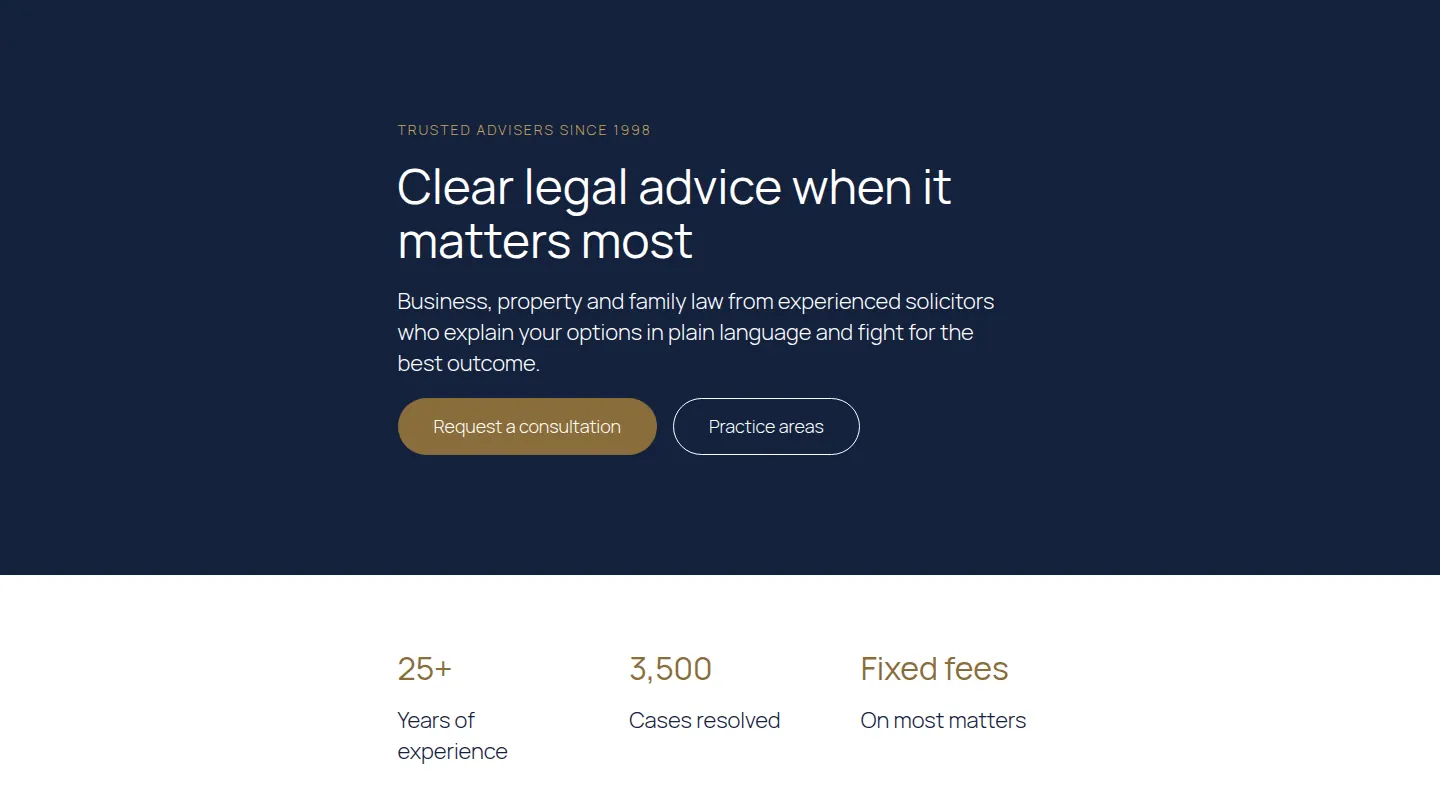
The first sections of the Law Firm home page
Built from the kit itself, in its own colours. After you import it, every word, colour and picture is yours to change.
Trusted advisers since 1998
Clear legal advice when it matters most
Business, property and family law from experienced solicitors who explain your options in plain language and fight for the best outcome.
25+
Years of experience
3,500
Cases resolved
Fixed fees
On most matters
Practice areas
Business law
Contracts, disputes, shareholder agreements and company formation.
Property
Buying, selling, leases and commercial property transactions.
Family law
Divorce, children arrangements and financial settlements.
Employment
Advice for employers and employees, from contracts to tribunals.
Wills and probate
Wills, lasting powers of attorney and estate administration.
Dispute resolution
Negotiation, mediation and litigation when it is needed.
5 pages, ready to edit
- Home
- About
- Practice areas
- Blog
- Contact
Also as patterns
Add these sections to any page on their own: About, Call to action, Services.
Its look
Designed with Libre Baskerville headings and Source Sans 3 text. Its colours are built into each section, so it looks the same on any theme; the text uses your theme’s fonts until you pick others in Site design, where fonts are served from your own site.
Built with
Questions about the Law Firm kit
Is the Law Firm kit free?
Yes. The Law Firm kit is in the free Page Builder Sandwich plugin, with no time limit and no account to create.
How do I import it?
In wp-admin, open Page Builder Sandwich → Templates and kits, choose Law Firm and press Import. You choose which pages to create, whether to publish them and whether to add them to your menu.
Will it change my existing pages?
No. Importing creates new pages; your existing pages, posts and menus stay as they are unless you choose to add the new pages to a menu.