
Pro kit · Affiliate & authority
Travel Journal website template for WordPress
A lean, footprint-free travel content site built for publishers: latest posts first, destination hubs, author box and disclosure.
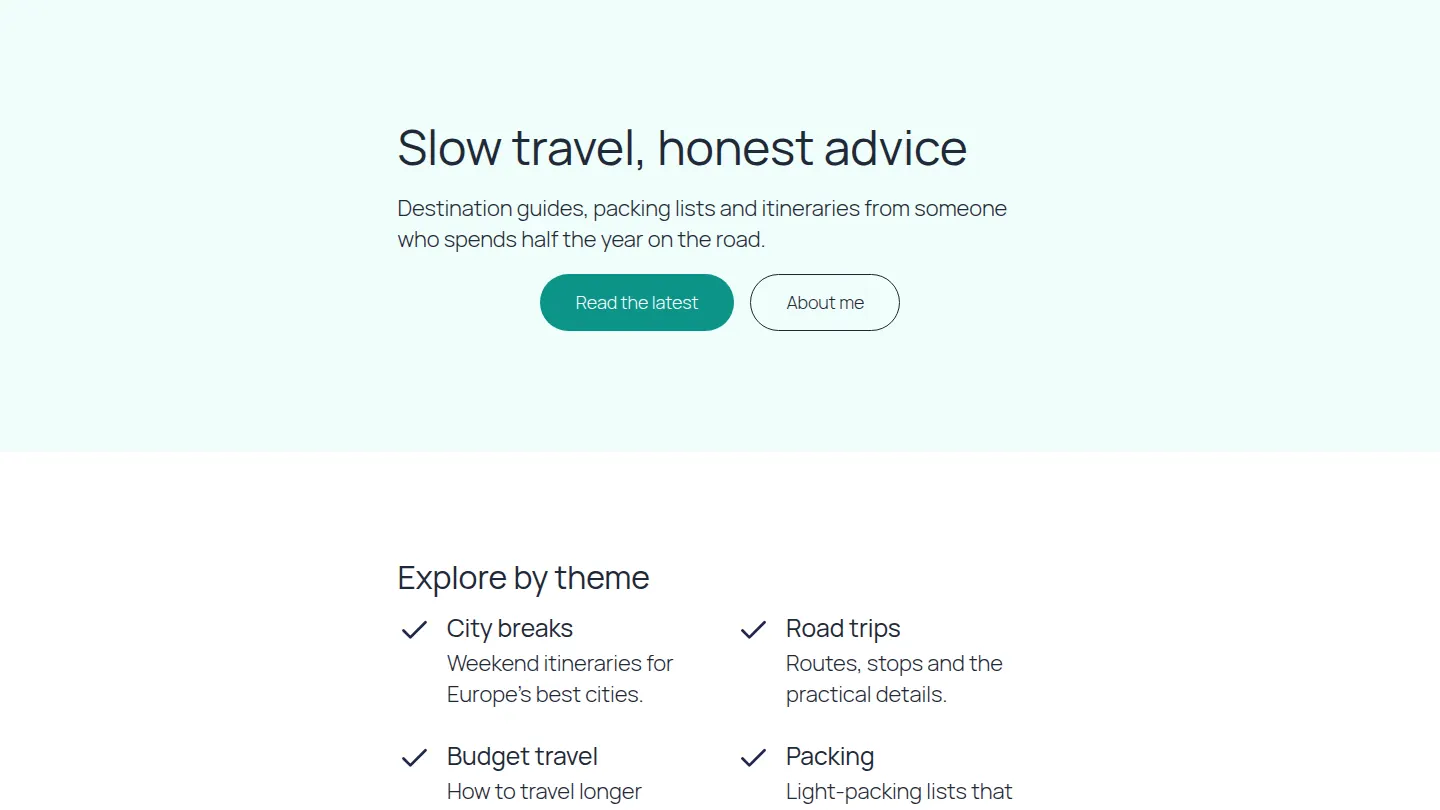
Live preview
The first sections of the Travel Journal home page
Built from the kit itself, in its own colours. After you import it, every word, colour and picture is yours to change.
Slow travel, honest advice
Destination guides, packing lists and itineraries from someone who spends half the year on the road.
Explore by theme
City breaks
Weekend itineraries for Europe’s best cities.
Road trips
Routes, stops and the practical details.
Budget travel
How to travel longer for less.
Packing
Light-packing lists that really work.
Hi, I am the writer
I have visited 60 countries, mostly by rail, and I write the guides I wish I had read before each trip.
What to expect
- First-hand experience
- Practical detail
- Honest opinions
- Disclosed affiliate links
4 pages, ready to edit
- Home
- Stories
- About
- Contact
Also as patterns
Add these sections to any page on their own: Timeline.
Its look
Designed with Lora headings and Inter text. Its colours are built into each section, so it looks the same on any theme; the text uses your theme’s fonts until you pick others in Site design, where fonts are served from your own site.
Built with
Questions about the Travel Journal kit
Is the Travel Journal kit free?
The Travel Journal kit comes with Page Builder Sandwich Pro, from $79 a year. Every Pro plan starts with a 14-day free trial, and no card is needed.
How do I import it?
In wp-admin, open Page Builder Sandwich → Templates and kits, choose Travel Journal and press Import. You choose which pages to create, whether to publish them and whether to add them to your menu.
Will it change my existing pages?
No. Importing creates new pages; your existing pages, posts and menus stay as they are unless you choose to add the new pages to a menu.